Last reviewed: September 2026. This is an independent informational portal, not affiliated with the Russian government. For authoritative details, refer to the official portals and.
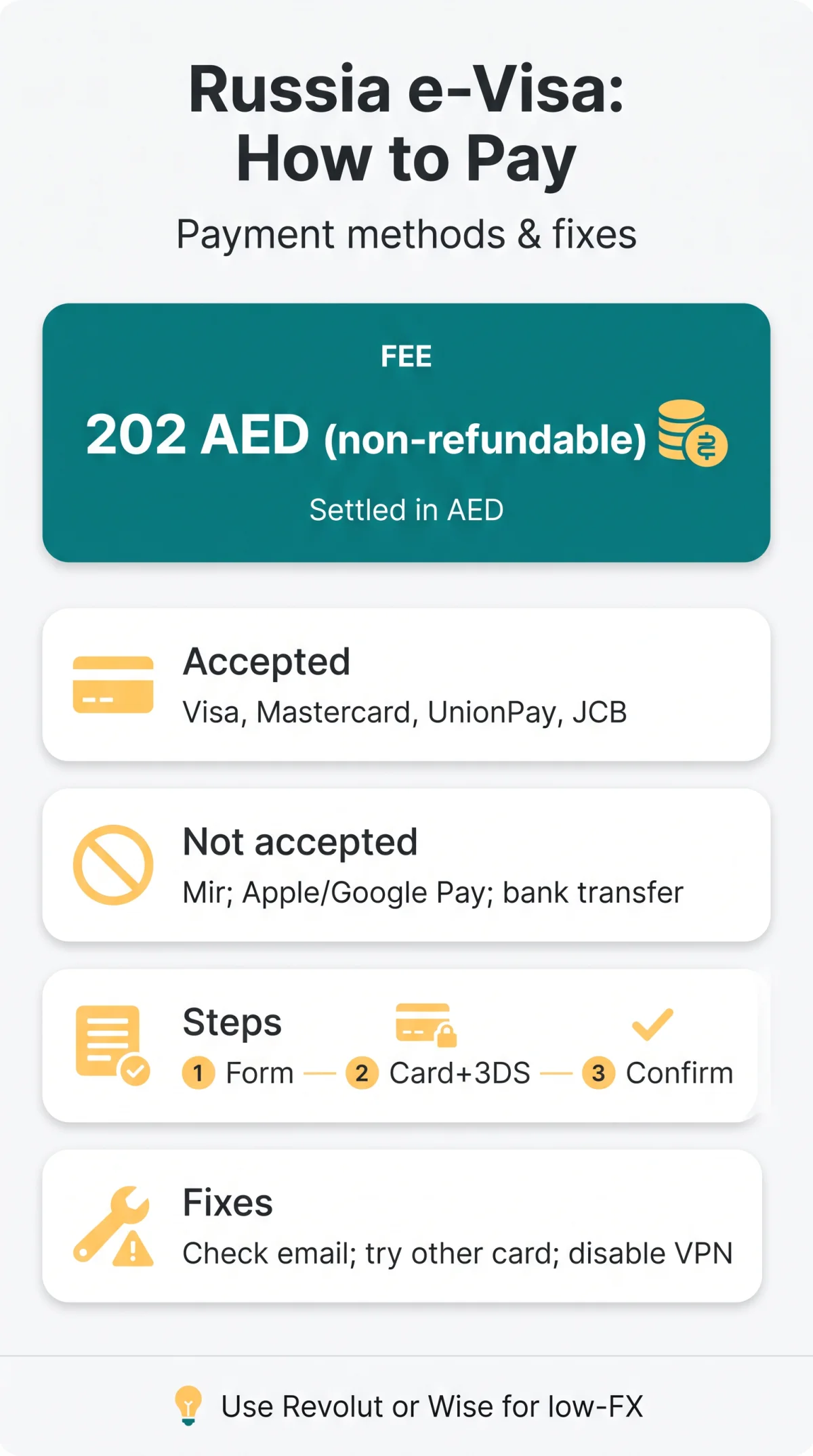
The Russia e-visa fee of 202 AED (~£43-50 GBP) is paid via Visa, Mastercard, UnionPay, or JCB through the UAE-based GKD GLOBAL gateway, which settles all transactions in Emirati dirhams. Mir cards, Apple Pay, Google Pay, and bank transfers are not accepted. To avoid payment failures, UK applicants should enable 3D Secure and use low-FX alternatives like Revolut or Wise. Note: UK passport holders are ineligible for the Russia e-visa; this guide applies to UK residents holding eligible passports from the 64 eligible foreign states.
Accepted Payment Methods & Application Fee
The Russia e-visa payment process charges a total of 202 AED, comprising a consular fee of approximately $52 USD, a document pre-check fee, and transaction costs. This fee is non-refundable regardless of the visa outcome. The Consular Department of the Ministry of Foreign Affairs of the Russian Federation manages the application, available 24/7 via or the MFA mobile app. Use Microsoft Edge with JavaScript enabled for full compatibility.
| Accepted | Not Accepted |
|---|---|
| Visa | Mir (Russian system) |
| Mastercard | American Express |
| UnionPay | PayPal |
| JCB | Apple Pay / Google Pay |
| – | Bank transfer |
Payments are processed via internet acquiring technology (an online gateway, not a POS terminal). The payment page displays GKD GLOBAL branding, the legitimate UAE-based processor. Digital wallets are unsupported; as a workaround, use a virtual Visa or Mastercard from Revolut or Wise and enter details manually.
How to Pay & Currency Conversion for UK Applicants
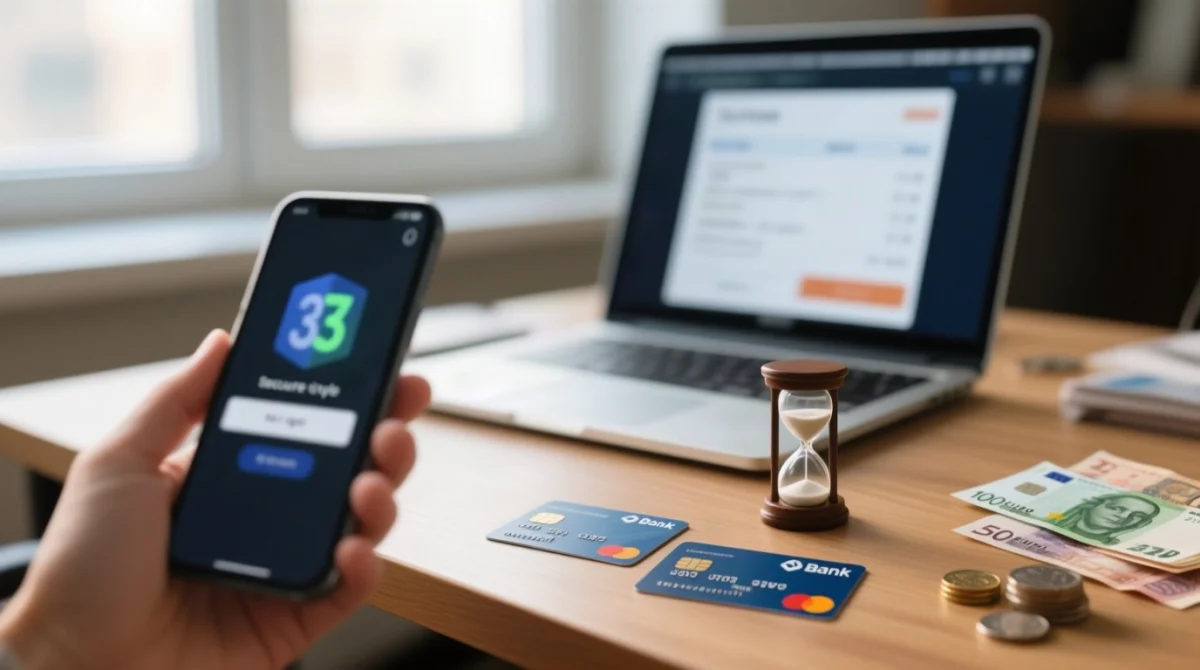
Enter card details on GKD GLOBAL gateway, complete 3D Secure (15-30 min window); bank converts 202 AED to GBP with 2.75-3% FX fee. Session times out after 15-30 min. Currency selection unavailable; 202 AED is fixed and bank auto-converts to GBP.
Complete the application form
Via the MFA portal or the MFA mobile app.
Review details, then proceed to payment
Verify all information before moving to the payment stage.
Enter card details on the GKD GLOBAL gateway page
Use Visa, Mastercard, UnionPay, or JCB; digital wallets not accepted.
Complete 3D Secure
SMS OTP or bank-app push authentication.
Receive on-screen confirmation and email receipt
Check inbox and spam folder for the confirmation email.
UK bank FX markups vary significantly. Revolut or Wise with mid-market rates is the cheapest way to pay:
| Card | FX Markup | Est. Total (GBP) |
|---|---|---|
| Barclays debit | ~2.99% | ~£49.50 |
| HSBC debit | ~2.75% | ~£48.70 |
| Lloyds debit | ~2.99% | ~£49.50 |
| Revolut Standard | 0% (mid-market) | ~£43.30 |
| Wise | ~0.35% | ~£43.50 |
If 3D Secure is disabled, contact your bank to enable it beforehand. HSBC, Barclays, Lloyds, NatWest, and Santander all support 3DS but require activation through banking app settings.
Payment Failed? Troubleshooting Guide for UK Applicants
UK banks auto-decline Russia e-visa payments due to AML/sanctions screening on Russian-linked transactions. Call your bank before applying: “I’m paying ~£45 to GKD GLOBAL (UAE) for a travel document. Please ensure my card is not blocked.” Alternatively, use Revolut or Wise with Visa/Mastercard credentials, or visit a branch for in-person verification.
| Step | Action | Detail |
|---|---|---|
| 1 | Check email | Including spam; may have succeeded despite errors |
| 2 | Try a different card | Switch network or issuer |
| 3 | Disable VPN | Gateway may verify IP matches card-issuing country |
| 4 | Increase limit | Adjust in app or call bank |
| 5 | Contact MFA portal | Use support at |
| Error Message | Likely Cause | What to Do |
|---|---|---|
| Authorization failed | 3D Secure issue or bank block | Check 3DS settings; call bank |
| Card declined | Insufficient funds or sanctions filter | Try another card; call bank |
| Invalid merchant | Temporary gateway error | Retry in 30 minutes |
| Session expired | Form timed out (15-30 min) | Restart with card ready |
Pre-auth holds auto-reverse within 3-10 working days if unconfirmed. The MFA warns of Gmail delivery instability; use Outlook, ProtonMail, or Yahoo instead.
Refund Policy, Fee Exemptions & Key Tips
The Russia e-visa payment process charges a non-refundable consular fee once processed, regardless of approval or denial. Only children under 6 are exempt from the consular fee; a ~$2 USD transaction surcharge still applies, auto-calculated by date of birth. Pre-auth hold auto-reverses in 3-10 working days. Chargeback risks blocking your passport from future e-visa applications.
- Use a low-FX card (Revolut, Wise) to save £5-10 on conversion costs.
- Avoid VPNs during payment, or match your IP to your card-issuing country.
- Use Outlook, ProtonMail, or Yahoo instead of Gmail (official MFA advisory on delivery instability).
- Keep your application reference number saved for support queries.
Your passport must be machine-readable with at least 6 months validity and 2 blank pages. Medical insurance is mandatory for the entire stay but is not collected online. The day of arrival and departure count as two separate days. The visa permits a 30-day stay, single entry only, and is valid for 120 days from issue. Present the notification at border crossing points.
Russia e-visa payment methods (2026): The Russia e-visa application fee is paid online via Visa, Mastercard, UnionPay, or JCB through the GKD GLOBAL payment gateway (UAE). The fee is settled in AED (~202 AED) and automatically converted to GBP by your card issuer. Mir cards, Apple Pay, Google Pay, and bank transfers are not accepted. Enable 3D Secure before paying and use a low-FX card (e.g. Revolut, Wise) to minimise conversion costs. If payment fails, check your email, try a different card, disable VPN, and contact your bank to lift any sanctions-related blocks.
FAQ
Can I pay for the Russia e-visa in GBP?
The fee is settled in AED by GKD GLOBAL; your card issuer converts it to GBP automatically. No currency selection is available. Russian rubles are not used for this transaction.
What happens if my Russia e-visa payment fails but money is taken from my account?
If the transaction did not go through, a pre-authorisation hold drops off within 3 to 10 working days. If you received a confirmation email, the payment likely succeeded. Contact the official portal at with your reference number if issues persist.
How much is the Russia e-visa application fee in 2026?
The standard consular fee is approximately $52 USD. The total charged via the gateway is 202 AED (~£43-50 GBP), including consular fee, document pre-check fee, and transaction costs.
Is bank transfer available for paying the Russia e-visa fee?
No, bank transfers are not supported. The system only accepts Visa, Mastercard, UnionPay, and JCB card payments through the online gateway. PayPal, Apple Pay, and Google Pay are also unsupported.
Why was my UK card declined?
UK banks may auto-decline due to AML screening on Russian-linked transactions. Call your bank to authorise the transaction in advance, or use Revolut or Wise with Visa/Mastercard credentials.
Can I get a refund if my Russia e-visa is refused?
No, the consular fee is non-refundable regardless of the visa outcome. The only exemption is for children under 6, who are not charged the consular fee; a ~$2 USD transaction surcharge still applies.
Does the Russia e-visa portal accept Apple Pay or Google Pay?
No, the GKD GLOBAL gateway only accepts direct card entries. As a workaround, use a virtual Visa or Mastercard from Revolut or Wise and enter those details manually.
How long do I have to complete the payment after filling in the form?
The payment session typically times out after 15 to 30 minutes. Have your card details, phone for 3D Secure OTP, and a stable internet connection ready before you begin. If the session expires, you must restart from the beginning.
Can I get a VAT invoice for the Russia e-visa fee for my expense report?
The e-visa receipt is not a VAT invoice. To obtain a transaction record for corporate expenses, request a statement from your card issuer showing the charge from the merchant named GKD GLOBAL.
How do I confirm that my Russia e-visa payment was successful?
You should receive an on-screen confirmation and a confirmation email. Check your inbox and spam folder. The Russian MFA has noted Gmail delivery instability, so using Outlook or ProtonMail is recommended.