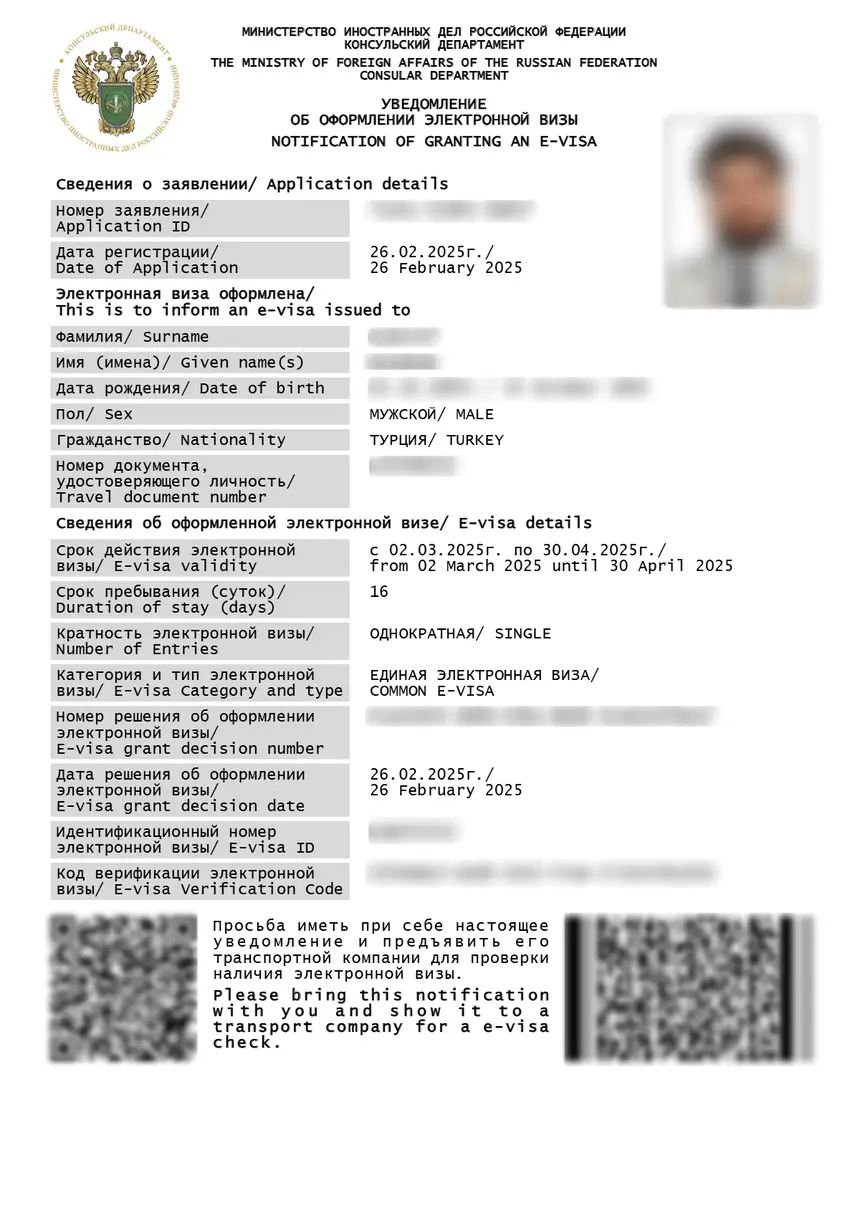
To complete your russia e visa download pdf, log in to the portal using your application reference number and passport details, locate your approved application, and click the download link to save the grant notification as a PDF file. Alternatively, retrieve it from your approval email.
Article last verified on 15 September 2026 against the Consular Department portal . This is an independent informational resource, not affiliated with any government entity.
What Is the Russia eVisa Grant Notification and What Do You Need to Download It?
The Russia eVisa grant notification PDF is the electronic travel document issued upon approval, replacing a traditional passport visa sticker. Available to citizens of 64 eligible countries, it permits a single entry, is valid for 120 days from issue, and allows a stay of up to 30 days. The consular fee is ~52 USD (non-refundable); children under 6 pay only ~2 USD in transaction costs. To download the Russia eVisa grant notification PDF, you need:
- Your application reference number from the portal
- A machine-readable passport valid at least 6 months from the application date
- Access to your personal account on
- Adobe Acrobat Reader to open and verify the PDF
How to Download Your Russia eVisa Grant Notification PDF
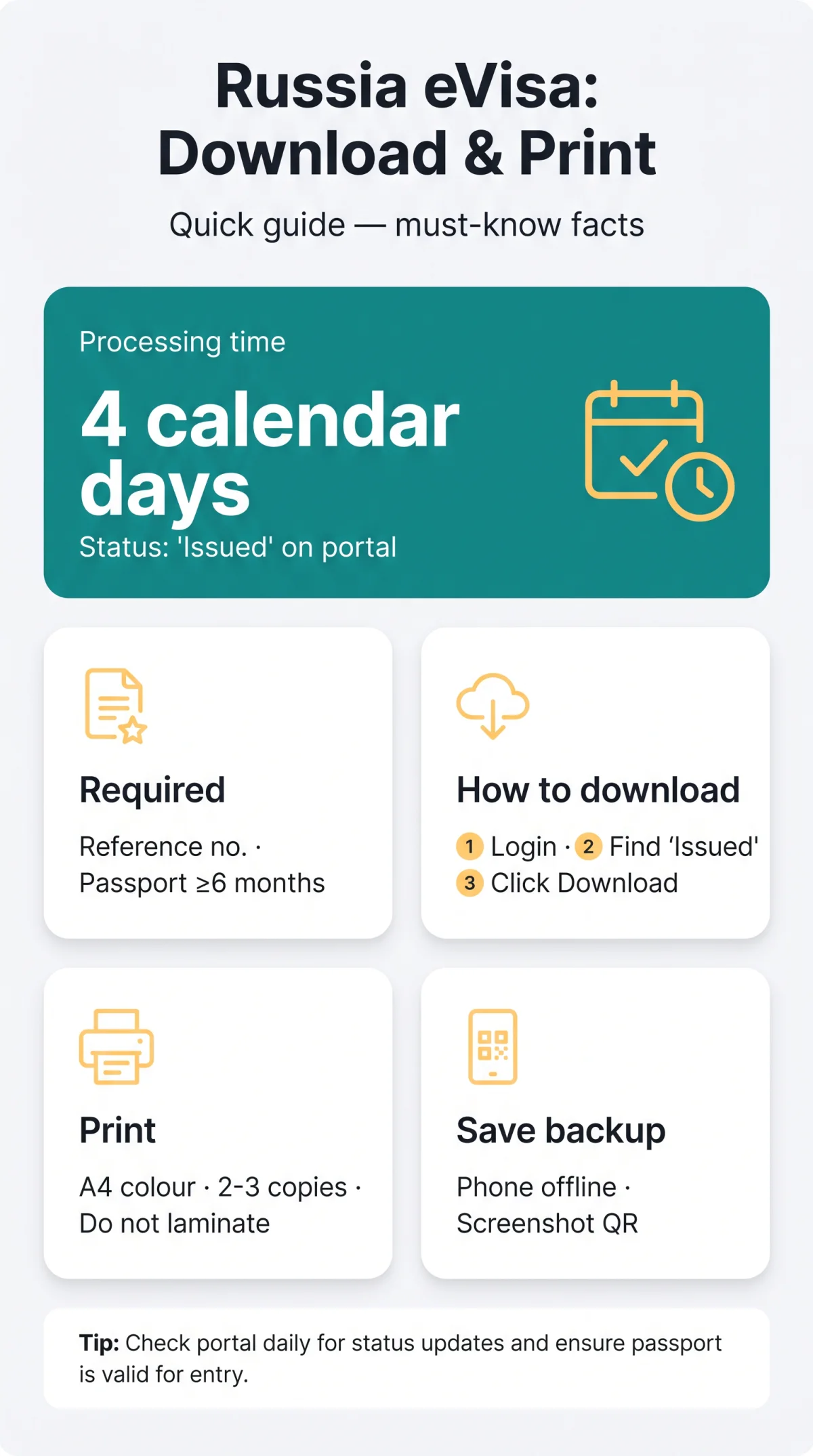
Download the Russia eVisa grant notification PDF from after approval, which occurs within 4 calendar days (including weekends and bank holidays). The file appears on the portal dashboard when your application status changes to ‘Issued’.
Downloading from the eVisa Portal
Open Microsoft Edge
Open Microsoft Edge with JavaScript enabled and navigate to.
Log in to your account
Log in to your personal account using your passport number and application reference number.
Locate the application
Locate the application with status ‘Approved’ on your dashboard.
Click the Download button
Click the blue ‘Download’ button to save the Russia eVisa grant notification PDF to your device.
Verify the PDF
Open the file in Adobe Acrobat Reader to verify all fields, including the QR code and eVisa verification code, display correctly.
Downloading from the Approval Email
The approval email from the Consular Department contains a direct link to retrieve the Russia eVisa grant notification PDF. The portal warns that Gmail delivery is unstable and delayed; use Outlook, Yahoo, or Proton instead. If the link fails, log in to the portal and download directly from your personal account.
How to Print Your Russia eVisa Grant Notification
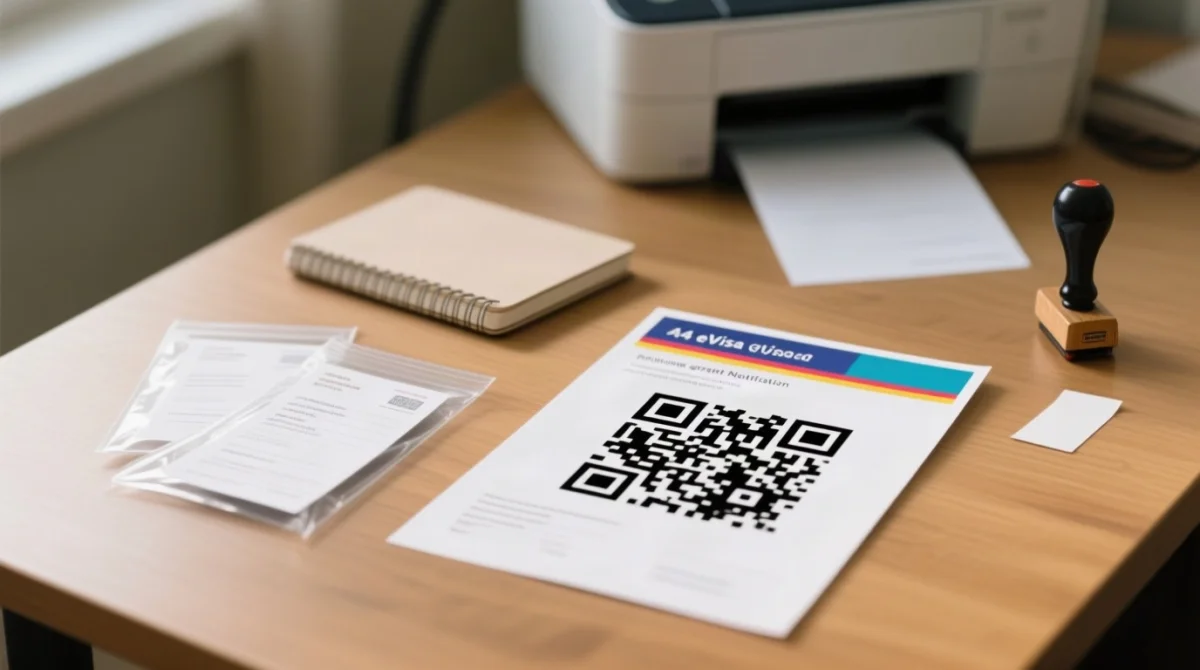
Print the Russia eVisa grant notification PDF on A4 paper in colour at full size, producing at least two copies for check-in and passport control.
| Setting | Recommendation | Why |
|---|---|---|
| Paper size | A4 (UK standard) | Matches border-control expectations; no scaling needed |
| Colour | Colour recommended | Ensures the QR code remains scannable by optical readers at border crossing points |
| Printer type | Inkjet or laser | Both produce sufficient resolution for QR code legibility |
| Number of copies | 2-3 copies | One for airline check-in, one for border control, one backup |
| Lamination | Do not laminate | Blocks border stamps and optical scanners; use a clear plastic sleeve instead |
Colour vs. Black & White Printing
Colour printing ensures the QR code is readable by optical scanners at border control. Black-and-white copies work only if the QR code prints crisply; faded codes may cause delays at border crossing points.
Lamination and Paper Handling
The Russia eVisa grant notification PDF must not be laminated. Lamination blocks border stamps and interferes with optical QR scanners. Use a clear plastic document sleeve to protect the printout while keeping it scannable and stampable.
Save Your Russia eVisa Grant Notification PDF to a Mobile Device
Store the Russia eVisa grant notification PDF on your phone for offline access as a digital backup. Border officers still require a printed copy at border crossing points. You can also retrieve the Russia eVisa grant notification PDF via the MFA mobile app if available.
- iOS: Open the PDF in Safari, tap the Share icon, select ‘Save to Files’, and choose an iCloud Drive folder for offline access.
- Android: Tap the download link in Chrome, then move the file from Downloads to local storage or Google Drive.
- Take a screenshot of the QR code as a backup in case airport Wi-Fi is unavailable.
Troubleshooting – Russia eVisa Grant Notification PDF Won’t Download or Email Never Arrived
If the Russia eVisa grant notification PDF fails to download, disable pop-up blockers, try Microsoft Edge, or re-download from your portal account.
- Pop-up blockers (Chrome): Click the padlock icon > Site Settings > Pop-ups and redirects > Allow for.
- Pop-up blockers (Edge): Go to Settings > Cookies and site permissions > Pop-ups and redirects > set to Allow for.
- Browser compatibility: Use Microsoft Edge with JavaScript enabled, as recommended by the portal.
- Missing notification: If the Russia eVisa grant notification PDF has not arrived within 4 calendar days, contact the Technical Support section on, accessible 24/7.
FAQ: Russia eVisa Grant Notification Download and Printing
Where do I download my Russia eVisa grant notification PDF?
Download from using your application reference number and passport, or via the approval email.
How long does it take to receive the eVisa approval notification?
Standard processing takes 4 calendar days (including weekends and bank holidays). Submit no earlier than 86 days and no later than 4 calendar days before entry.
Do I need to print my Russia eVisa or can I show it on my phone?
A printed copy is strongly recommended. Border officers and airline staff scan the QR code with optical readers. Carry at least two printed copies.
What paper size should I use to print the Russia eVisa in the UK?
Use standard A4 paper (UK standard). Both inkjet and laser printers are acceptable. Colour printing is recommended for QR code scannability.
Can I laminate my printed Russia eVisa grant notification?
Do not laminate. Lamination blocks border stamps and optical QR scanners. Use a clear plastic document sleeve instead.
My Russia eVisa PDF won’t download. What should I do?
Disable pop-up blockers, ensure JavaScript is enabled, and use Microsoft Edge. If the download fails, log back into and retry.
How do I verify that my eVisa grant notification PDF is genuine?
Open the PDF in Adobe Acrobat Reader, check the Signatures panel for the MFA certificate with ‘Valid’ status. Cross-reference the QR code and verification code with your portal account data.
Do children need separate printed eVisa notifications?
Yes, every child requires a separate eVisa and printed notification, even if listed in a parent’s passport. Children under 6 pay only ~2 USD in transaction costs.
What if my name on the eVisa notification does not match my passport?
Data inaccuracies can result in visa revocation at the border. Correct errors within 2 calendar days of submission; processing restarts after resubmission.
Is a printed grant notification mandatory for UK travellers entering Russia?
A printed copy is strongly recommended for UK travellers. Show it to transport company staff at check-in and Border Service officers at border crossing points.