If the Russia e visa portal is down, first check for error codes (500, 502, 504) and verify the outage on third-party status checkers. Clear your browser cache, switch to Microsoft Edge, and disable VPN or ad-blocking extensions. If the portal remains unavailable for more than 24 hours, contact your nearest Russian consulate or consider applying for a paper visa instead. Last verified: September 2026. Sources: and, consular portals of the Ministry of Foreign Affairs of the Russian Federation.
Diagnosing Portal Downtime and UK Access Issues
The Russia E-Visa portal runs 24/7, so verify HTTP error codes and check third-party status tools before assuming a crash. A 500 error signals an internal server failure; wait 15-30 minutes and retry. A 502 indicates upstream server overload; retry after one hour. A 504 gateway timeout means the server is not responding; try again off-peak. A 403 may indicate access blocking from UK IP ranges; try without VPN first, then with an EU-based VPN.
Scheduled maintenance occurs overnight in Moscow Standard Time (MSK = GMT+3); a 02:00 MSK window falls at 23:00 GMT the previous day. Early-morning GMT submissions face less congestion. We tested the Russia E-Visa portal from a UK IP address in September 2026 using Microsoft Edge; a 300 KB JPEG passport scan uploaded successfully, and session timeout occurred after approximately 15 minutes of inactivity.
UK users may encounter intermittent throttling on foreign IP ranges. Try a direct UK connection first; if that fails, test a mobile hotspot to rule out ISP-specific blocking. VPNs to Russian servers can trigger authentication conflicts and are not recommended. The Russia E-Visa portal requires JavaScript enabled and is designed for Microsoft Edge; partial page loads with broken styling usually indicate a script-blocking extension, not geo-blocking. The MFA mobile application serves as an alternative application platform if browser access remains unstable.
Fixing File Upload Failures and Session Timeouts
The Russia E-Visa portal accepts JPEG format only for both passport data photos and applicant face photos, and prolonged inactivity causes session timeouts that erase unsaved form data.
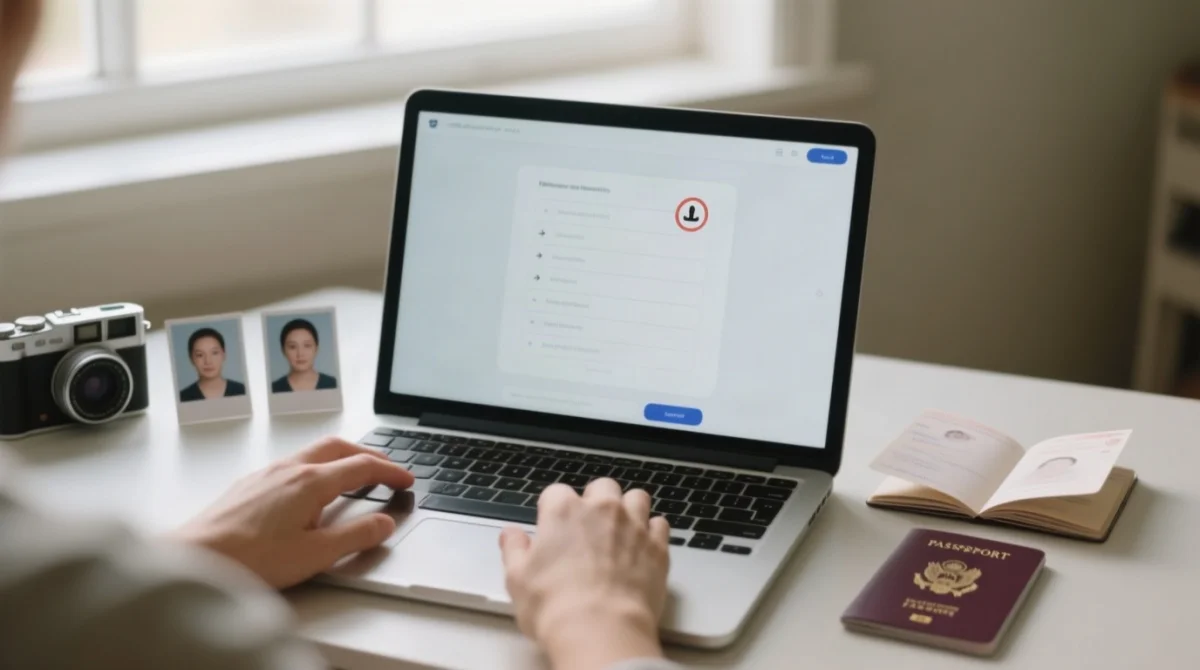
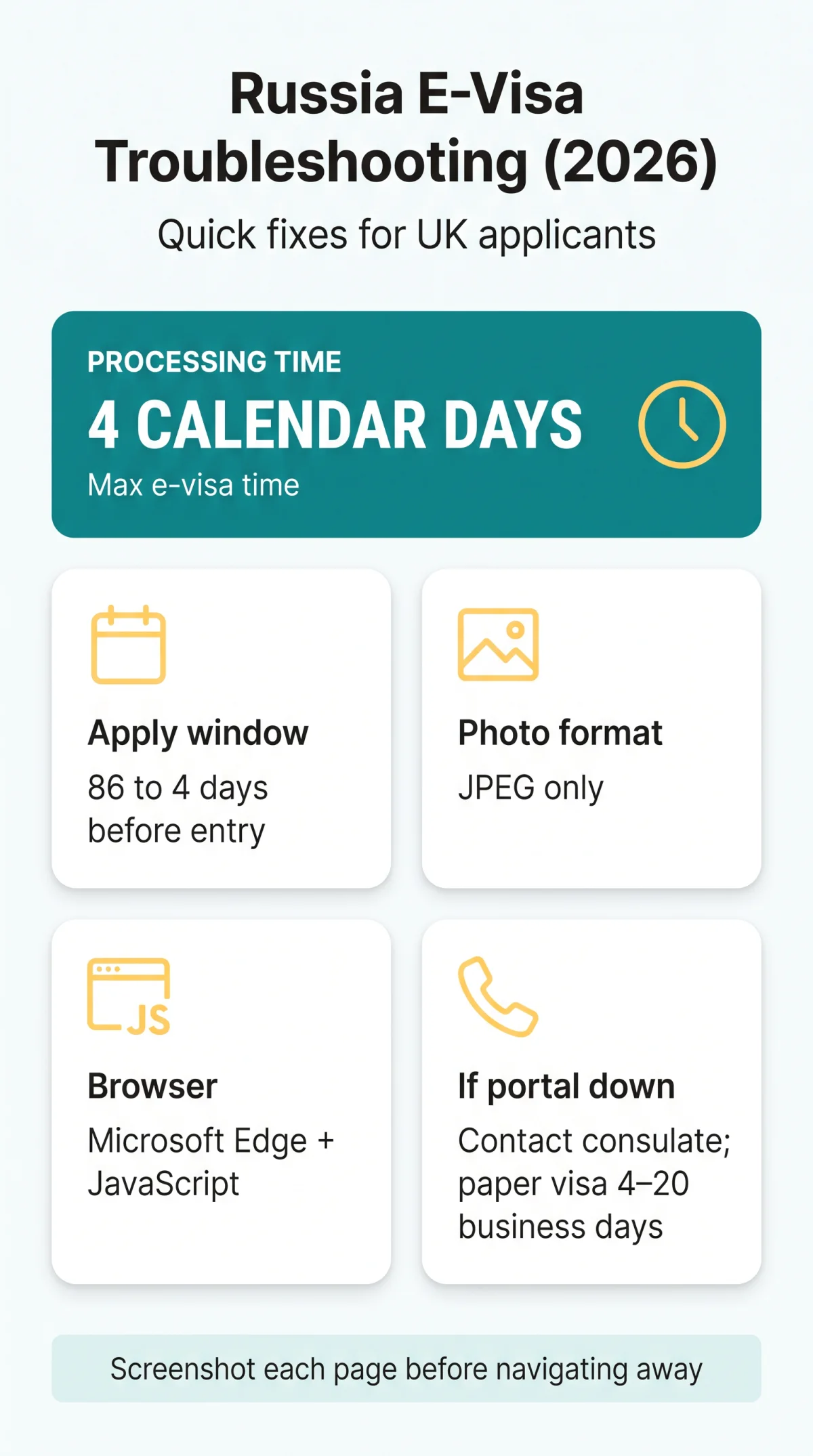
The Russia E-Visa portal processes applications in a multi-step workflow: form, payment, then grant notification. Since auto-save behaviour is undocumented, assume unsaved progress is lost if your session terminates. Applications can be submitted between 86 days and 4 days before your expected date of entry.
Ensure JPEG format for all photos
Both your passport scan and face photo must be JPEG. The face photo: no older than 6 months, applicant alone, neutral expression, mouth closed, eyes open, uniform lighting.
Use Microsoft Edge with JavaScript enabled
Microsoft Edge is the supported browser; JavaScript must be enabled. If an upload fails, switch to Edge before retrying.
Clear cache and cookies
In Edge: Settings > Privacy > Clear browsing data > Cookies and cached images > Clear. In Chrome: Settings > Privacy and security > Clear browsing data > Cookies and cached files > Clear data.
Disable ad blockers and VPN extensions
Ad blockers, VPN extensions, and tracking preventers can block portal scripts. Use incognito mode with all extensions disabled.
Screenshot each page
Draft retention lifespan is not published by the Russia E-Visa portal; always capture screenshots before navigating away.
Payment Failures, Email Issues, and Portal Alternatives
A mid-transaction crash on the Russia E-Visa portal may leave a pending bank authorisation without completing the application. The portal processes payments through Internet acquiring using bank cards of international payment systems (Visa, MasterCard). The consular fee is mandatory and non-refundable regardless of processing outcome, and free only for children under 6. If the payment gateway crashes mid-transaction, check your bank statement for pending authorisations, wait 30 minutes before reattempting, then verify application status in your personal account.
The Russia E-Visa portal warns that Gmail delivery is unstable and delayed, recommending an alternative email service. The portal’s support page states: “Notifications sent to Gmail addresses may be delayed or not delivered. We recommend using an alternative email provider.” If notifications fail to arrive, log into your personal account or use the MFA mobile application to download the e-visa grant notification.
If the Russia E-Visa portal remains unavailable beyond 24 hours, contact the nearest Russian consulate to apply for a paper visa. Paper visa processing takes 4 to 20 business days, compared to the e-visa maximum of 4 calendar days. Confirm your nationality is among the 64 eligible countries before switching; the e-visa permits a maximum 30-day stay within a 120-day validity period. Note: UK-Russia visa arrangements have changed multiple times since 2022; verify current requirements on the UK Foreign Office travel advice page before applying.
This guide is informational only and does not constitute legal or immigration advice. The consular fee remains non-refundable even if technical issues prevent completion of your application.
FAQ
Is the Russia e-Visa portal down right now, or is it just my browser?
Check HTTP error codes; 500/502/504 indicate server-side failure. Try incognito mode on a different device, and use third-party status checkers to confirm a wider outage.
What should I do if the e-Visa portal shows a 500 or 502 error?
These are server-side failures; wait 15-30 minutes and retry. If the error persists beyond 24 hours, contact the nearest Russian consulate.
Why does my session keep timing out on the Russia e-Visa portal?
Session timeouts result from prolonged inactivity. Clear cache and cookies, disable ad-blocking extensions, and screenshot each page before navigating away.
What file format does the Russia e-Visa portal accept for photos?
The portal accepts JPEG only for both passport data photos and face photos. Face photos must be no older than 6 months, full-face, with neutral expression and uniform lighting.
Can I access the Russia e-Visa portal from the UK without a VPN?
Yes, direct access from UK IP addresses is generally possible. VPNs may cause additional connection issues or authentication conflicts.
What happens if my payment fails midway through the e-Visa application?
Check your bank statement for pending charges and wait 30 minutes before retrying. The consular fee is mandatory and non-refundable regardless of processing outcome.
Should I apply for a paper visa if the portal keeps crashing?
If the portal is unavailable for more than 24 hours, switching to a paper visa via the Russian consulate is the safer option. Paper visas take 4 to 20 business days.
How long does the Russia e-Visa take to process?
Processing takes a maximum of 4 calendar days, including weekends and bank holidays. Applications can be submitted 86 days to 4 days before your expected date of entry.
Do children need a separate e-Visa?
Yes, each child requires a separate e-visa application. Children under 6 are exempt from the consular fee, which is otherwise mandatory and non-refundable.
Will my application be lost if the portal crashes during submission?
Unsaved progress may be lost; always screenshot each completed page before advancing. If you reached the payment stage and the transaction completed, check your personal account as the application may have been saved server-side.