Last updated: 15 September 2026. Independent informational guide for tourists, not affiliated with the Russian government. Data verified against and.
The Russia eVisa portal at is the single online platform for registering, applying, and tracking electronic visas to Russia. To create an account, enter your email, verify it via confirmation link, set a password, and log in to your dashboard. From there, you can submit applications, upload documents, pay the fee, and check your visa status – all in one place. The Russia eVisa portal operates 24/7, managed by the Consular Department of the Ministry of Foreign Affairs of the Russian Federation.
How to Register on the Russia eVisa Portal
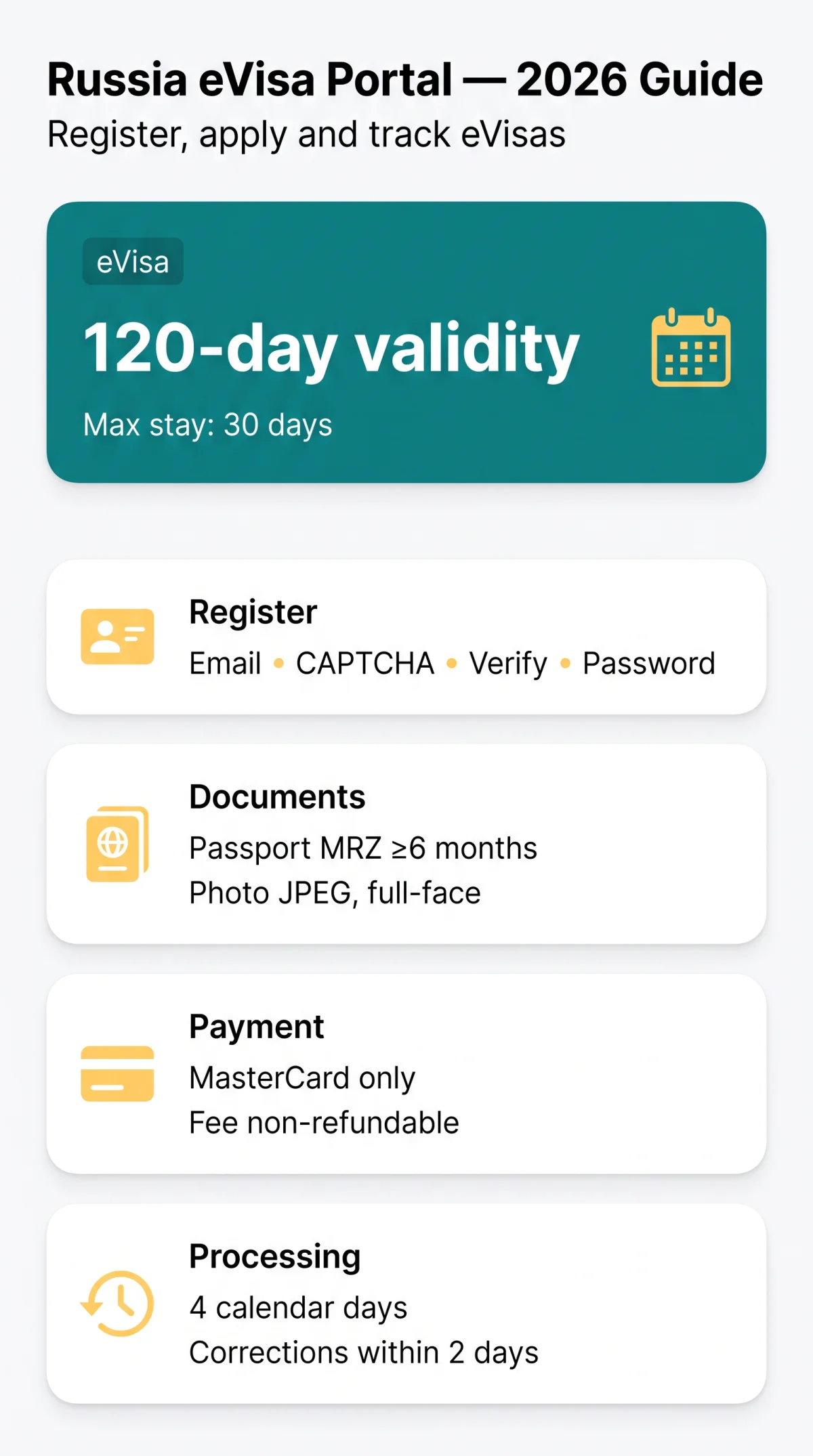
The Russia eVisa Portal requires all applicants to create a personal account before submitting a unified e-visa request. Registration takes five steps: enter your email, solve a CAPTCHA, verify via activation link, create a password, and access your dashboard.
Before starting, prepare:
- Machine-readable passport valid at least 6 months from the submission date, with sufficient space for border stamps.
- Digital photograph in JPEG format, full-face, neutral expression, taken within the last 6 months.
- A browser with JavaScript enabled – Microsoft Edge is recommended.
Navigate to the portal
Select “Sign in”, then “Register”.
Enter email and CAPTCHA
Provide your email address and solve the CAPTCHA.
Verify your email
Open the activation email and click the verification link – check spam and act immediately, as the link expires.
Create a strong password
Use mixed case, numbers, and special characters.
Confirm the password
The Russia eVisa Portal redirects you to your personal account dashboard.
The unified e-visa issued through the Russia eVisa Portal is a single-entry visa with a 120-day validity period and a maximum stay of 30 days. No invitation letter or hotel booking confirmation is required.
Logging In and Recovering Your Password
The Russia eVisa Portal requires registered users to log in at via the “Sign in” button, entering an email address, password, and CAPTCHA before granting access to the personal account dashboard.
| Error | Likely Cause | Solution |
|---|---|---|
| “Invalid credentials” | Wrong email or password | Re-enter carefully; use “Forgot password” if needed |
| “Account not activated” | Registration email not verified | Check email including spam; request a new activation link |
| CAPTCHA not loading | VPN enabled, ad-blocker, browser cache | Disable VPN, clear cache, switch to Microsoft Edge |
| Page won’t load | JavaScript disabled, outdated browser | Enable JavaScript; switch to Microsoft Edge |
The Russia eVisa Portal does not enforce two-factor authentication; use a strong, unique password. To recover access, select “Forgot password,” enter the registered email, click the reset link, and create a new password. If the reset email does not arrive within 15 minutes, check spam and contact Technical Support.
Managing Applications and Uploading Documents
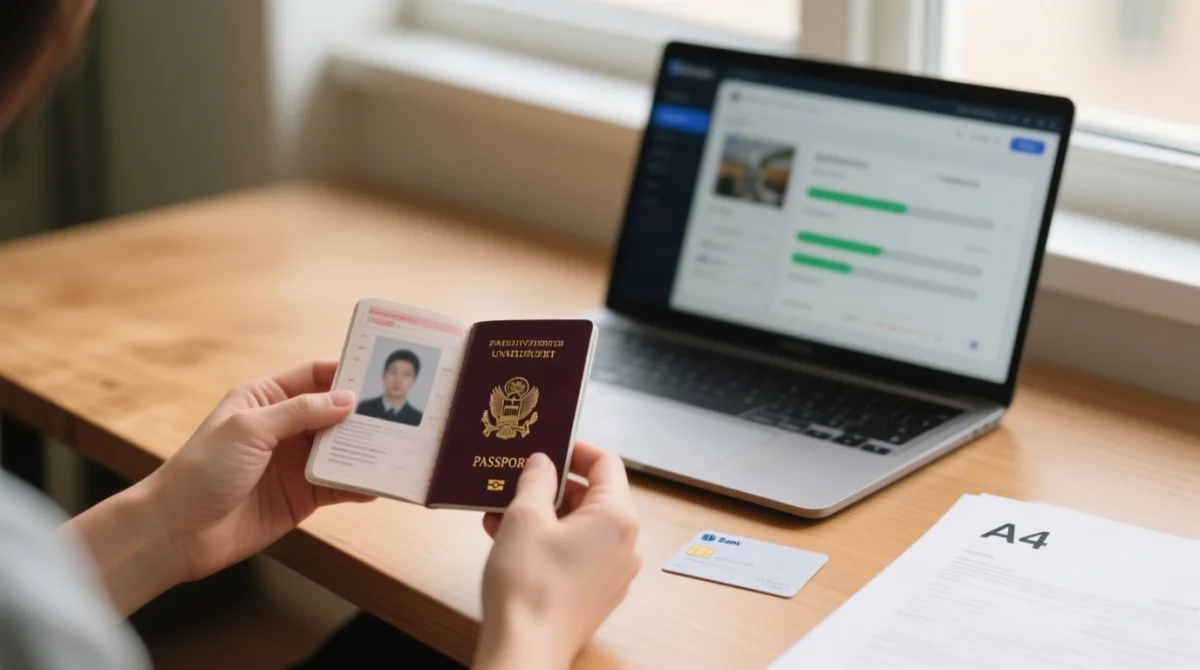
The Russia eVisa Portal displays three dashboard sections after login: profile, submitted applications, and drafts. The status tracker moves through Submitted -> Under Review -> Approved/Rejected, with automatic email notifications at each transition. Approved eVisas download as PDFs (Adobe Acrobat Reader recommended) for presentation to a transport company employee and a Border Service officer at the border crossing point. Note: the Ivangorod checkpoint (St. Petersburg/Leningrad Region) is temporarily closed for reconstruction since 1 February 2024. Visa extensions in case of natural disasters are issued by the Ministry of Internal Affairs, not the MFA.
Document Upload Requirements
The Russia eVisa Portal requires a passport bio page scan in JPEG format with validity of at least 6 months. The face photo must also be JPEG: full-face, neutral expression, mouth closed, eyes open, no hair across eyes, plain background, uniform lighting, applicant alone in frame.
Paying the eVisa Fee
Payment is via MasterCard only, using internet acquiring technology; the consular fee is non-refundable. Processing takes 4 calendar days including weekends and bank holidays. If errors are detected, the Russia eVisa Portal returns the application within 2 calendar days for correction via the personal account, indicating fields to be corrected with comments.
Managing Applications for Family or Groups
Each traveller, including children listed in a parent’s passport, needs a separate application on the Russia eVisa Portal. Children under 6 are fee-exempt but still require a complete form. One account can submit and manage multiple applications sequentially.
Troubleshooting Common Russia eVisa Portal Issues
Common Russia eVisa portal issues include VPN interference, Gmail delays, and browser incompatibility.
| Problem | Likely Cause | Solution |
|---|---|---|
| Login not working | JavaScript disabled, outdated browser | Enable JavaScript; switch to Microsoft Edge; clear cache |
| CAPTCHA not loading | VPN active, ad-blocker, cookies blocked | Disable VPN; whitelist the Russia eVisa portal in ad-blocker; enable cookies; try incognito |
| Confirmation email not received | Gmail delays (MFA warning); spam filtering | Use Outlook, ProtonMail, or Yandex Mail; check spam; wait 15 minutes |
| Session expired / auto-logged out | Inactivity timeout | Prepare all documents before starting; copy passport details into a secure note |
| Payment declined | International transactions blocked | Enable international transactions; use MasterCard; try alternative card |
| Photo rejected | Wrong dimensions, format, or file size | Resize to JPEG; ensure full-face composition; reduce file size |
| Portal in Russian only | Language not switched | Use language toggle (Русский / English / 中文(简体)) at top of page |
| Activation link expired | Link validity window passed | Re-register with the same email on the Russia eVisa portal |
Frequently Asked Questions about the Russia eVisa Portal
What is the Russia eVisa portal URL for 2026?
The correct URL for the Russia eVisa portal in 2026 is , operated 24/7 by the Consular Department of the MFA. Do not confuse it with commercial agency sites charging extra fees.
How do I register on the Russia eVisa portal?
Five steps: email, CAPTCHA, activation link, password, dashboard. See the full walkthrough above. Avoid Gmail due to MFA-reported delivery delays.
Why should I avoid using Gmail to register?
The MFA warns Gmail has unstable and delayed delivery. Use Outlook, ProtonMail, or Yandex Mail for the Russia eVisa portal.
I forgot my Russia eVisa portal password – how do I reset it?
Select “Forgot password,” enter your email, click the reset link, create a new password. If no email arrives within 15 minutes, check spam and contact Technical Support.
My confirmation link expired – what do I do?
Re-register on the Russia eVisa portal with the same email. Act immediately upon receiving the new link.
How do I track my Russia eVisa application status online?
Log in to the Russia eVisa portal dashboard. The tracker shows Submitted, Under Review, Approved or Rejected, with automatic email notifications.
Can I update the email address on my Russia eVisa account?
Contact the Russia eVisa portal Technical Support section to request an email update, as self-service changes are not available.
How long before I’m automatically logged out of the portal?
The Russia eVisa portal enforces an inactivity timeout. Prepare all documents before starting; copy key facts into a secure note.
Will my incomplete application be saved as a draft?
No retention period is specified. Complete your application in one uninterrupted session on the Russia eVisa portal to avoid data loss.
Can one account apply for a Russia eVisa for my whole family?
Yes, one account manages multiple applications sequentially. Each traveller needs a separate e-visa; children under 6 are fee-exempt but require a complete application.